A Cloud Desktop is a game changer:
- It follows you between devices – anytime, anywhere
- It’s exactly like a regular Windows Desktop, without the maintenance headaches
- It provides superior security and business continuity, at a fixed monthly price
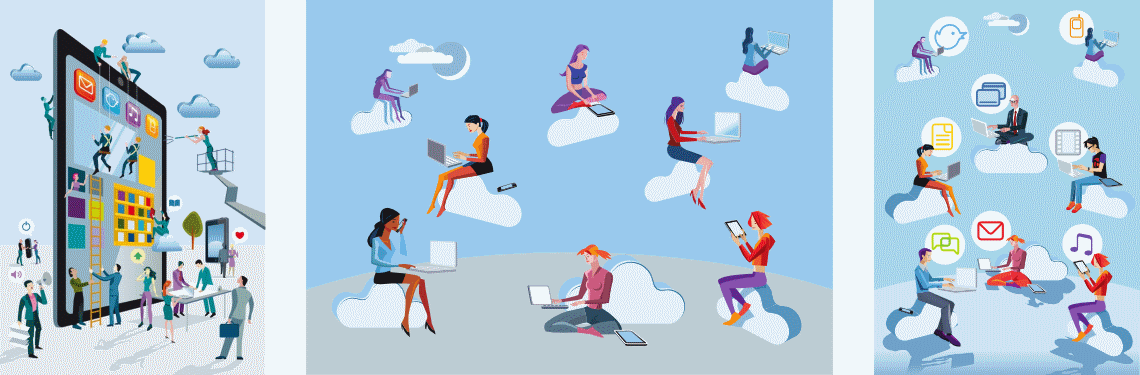
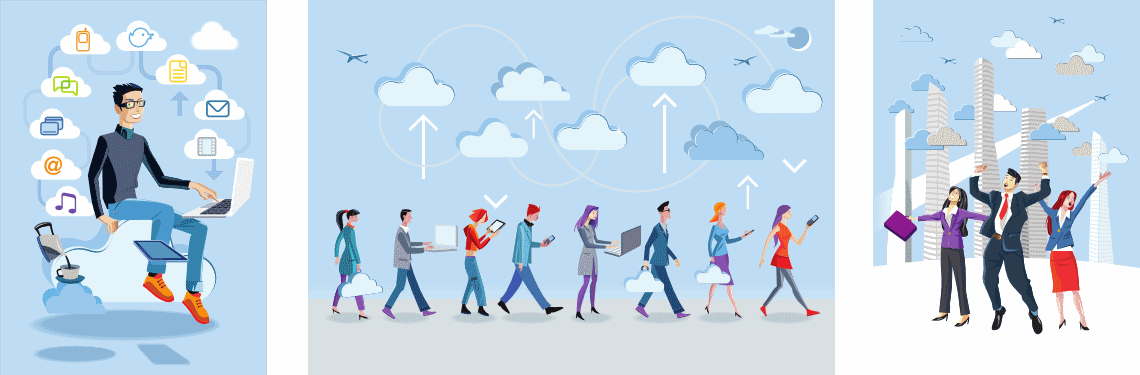

A Cloud Desktop is a game changer:
Your Windows apps as Cloud SaaS apps:
Many individual Microsoft Apps are available as a monthly subscription too, putting an end to costly up-front and annual fees!

Your documents via CloudFiles:

Our Desktops as a Service (DaaS) solutions, powered by Citrix HDX technology, let you use your favorite device without compromise or complexity. Cloud apps look and feel exactly like local apps, so your staff will be … [More...]

The VCIT data center features 24x7 security guards, cameras, access cards, fire suppression, climate controls, and backup power. Our DR site is ready to take over in the event of a disaster. All customer data is centrally … [More...]

Capital expenditure should be strategic, create long-term benefits, and generate on-going revenue. By leveraging our Cloud DaaS solutions, you can eliminate on-premise servers and reinvest your precious capital … [More...]